INTERACTIVE
FEATURES
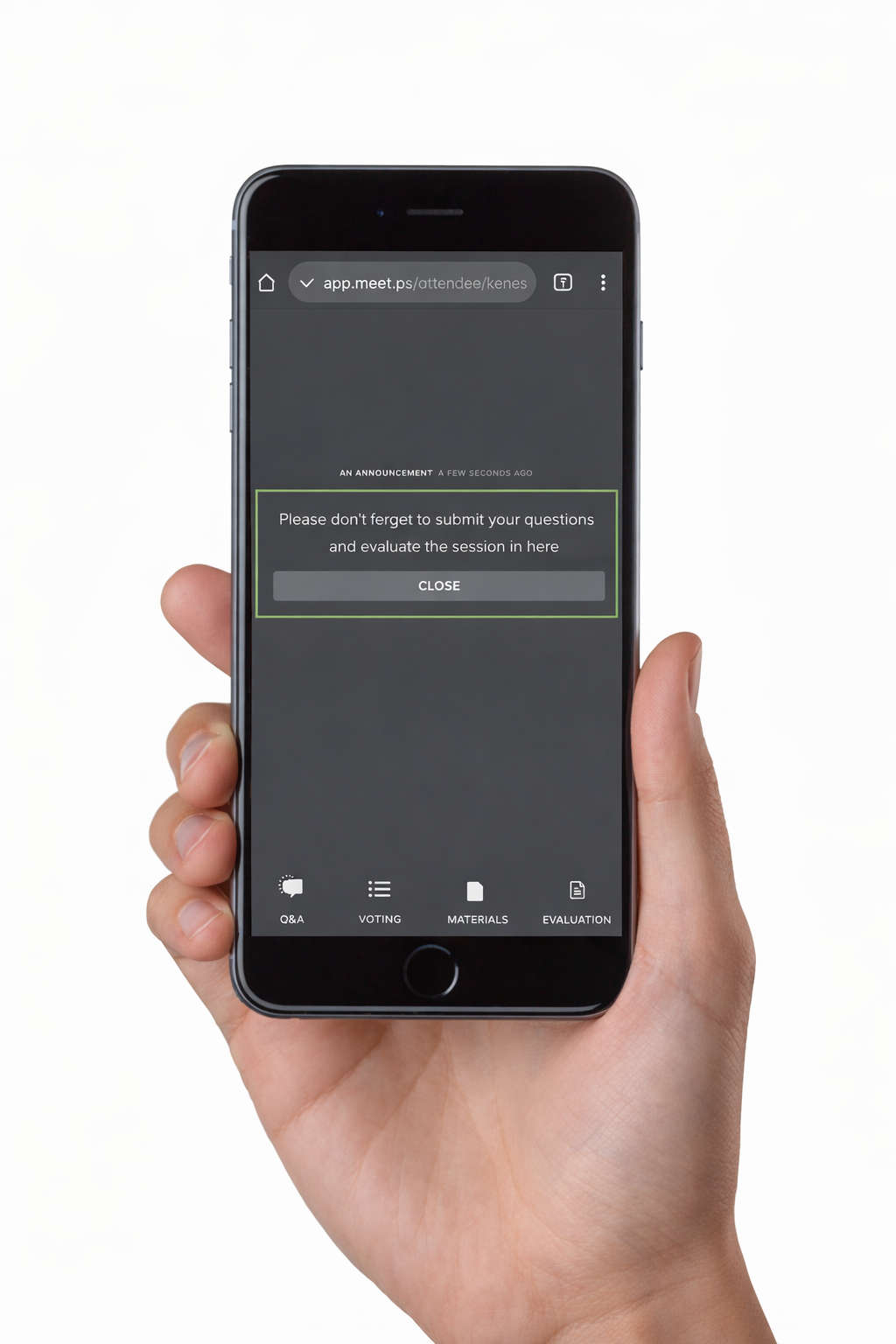
Interactive Features are designed to enhance audience engagement during symposiums sessions, transforming passive listening into active participation.
Voting lets participants share opinions in real-time, Ask the Speaker allows direct questions to be asked, Evaluation gathers audience insights and feedback, Materials provide easy access to resources and deeper learning, and Announcements keep attendees informed.
Our tools create a dynamic, participatory experience, keeping audiences connected throughout the session, improving the understanding and maximizing the value of the session.

VOTING
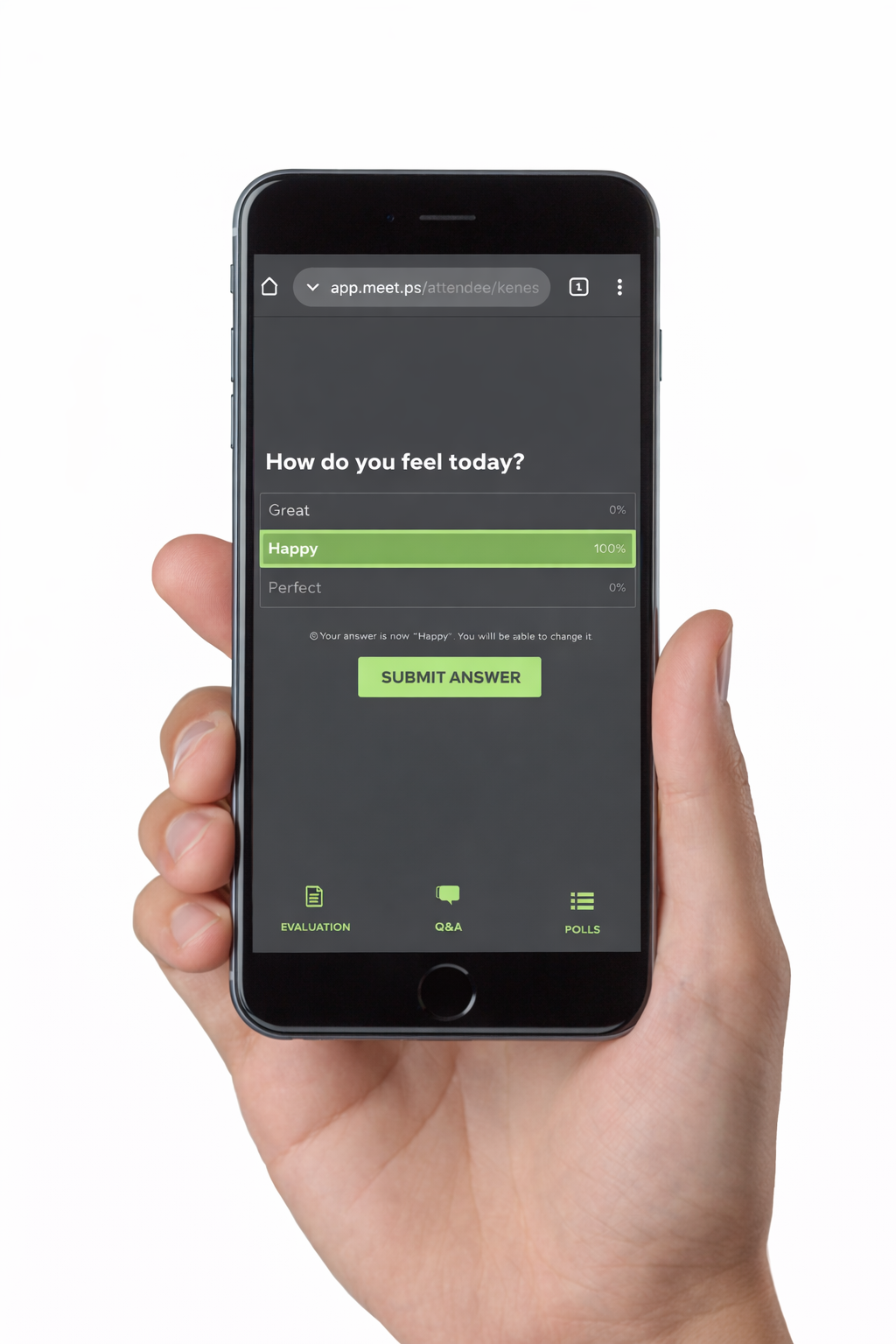
Participants can vote during the session via the Poll tab of the virtual platform, the Congress APP or accessing the unique QR code provided. There are different types of questions to choose from and the results can be shown immediately or after a short delay.
Types of Questions:- Single/Multiple choice
- Yes/No
- Free Text
A countdown timer and sound can be added in sessions.
What´s Included?- System set up
- Insertion of questions for up to 5 speakers
- Report with the voting submissions
- Rehearsal and session support
- Technician
ASK THE SPEAKER
Particiants can submit their questions during the session via the Congress APP, or by scanning the unique QR code provided.By default, questions will be hidden and not visible to attendees. The chairman will recieve an iPad displaying all incoming questions, which will be read aloud.
If necessary, a middle-layer moderator can be included which will filter the questions for the Chairman. “Approved” questions will be visible to the Faculty/Chair.“Not Approved” questions will remain hidden.
Moderator View: Moderator can approve or reject the questions once submitted. The Chairperson can choose to mark questios as “done”. Once marked, they will disappear from the chairpersons iPad and appear on the moderator´s iPad as “Marked as done”.
Speaker View: Speaker/Chair will recieve only the approved questions.
What´s Included?- System set up
- iPad for the moderator
- Report with the asked questions
- Rehearsal and session support
- Technician
EVALUATION
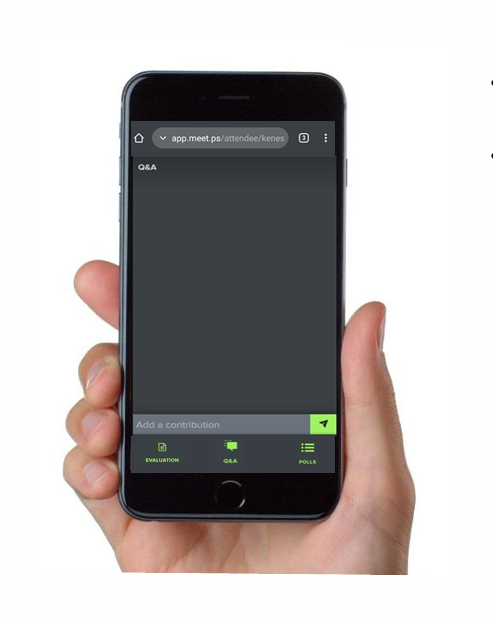
Participants can evaluate the session via the Congress App, platform, or accessing the unique QR code provided.
Types of Questions:- Single/Multiple choice
- Yes/No
- Free Text
- Grid
- Preference order
- Ranked choice voting
- Rating
- NPS
What´s Included?- System set up
- Report with the Evaluation submissions

MATERIALS
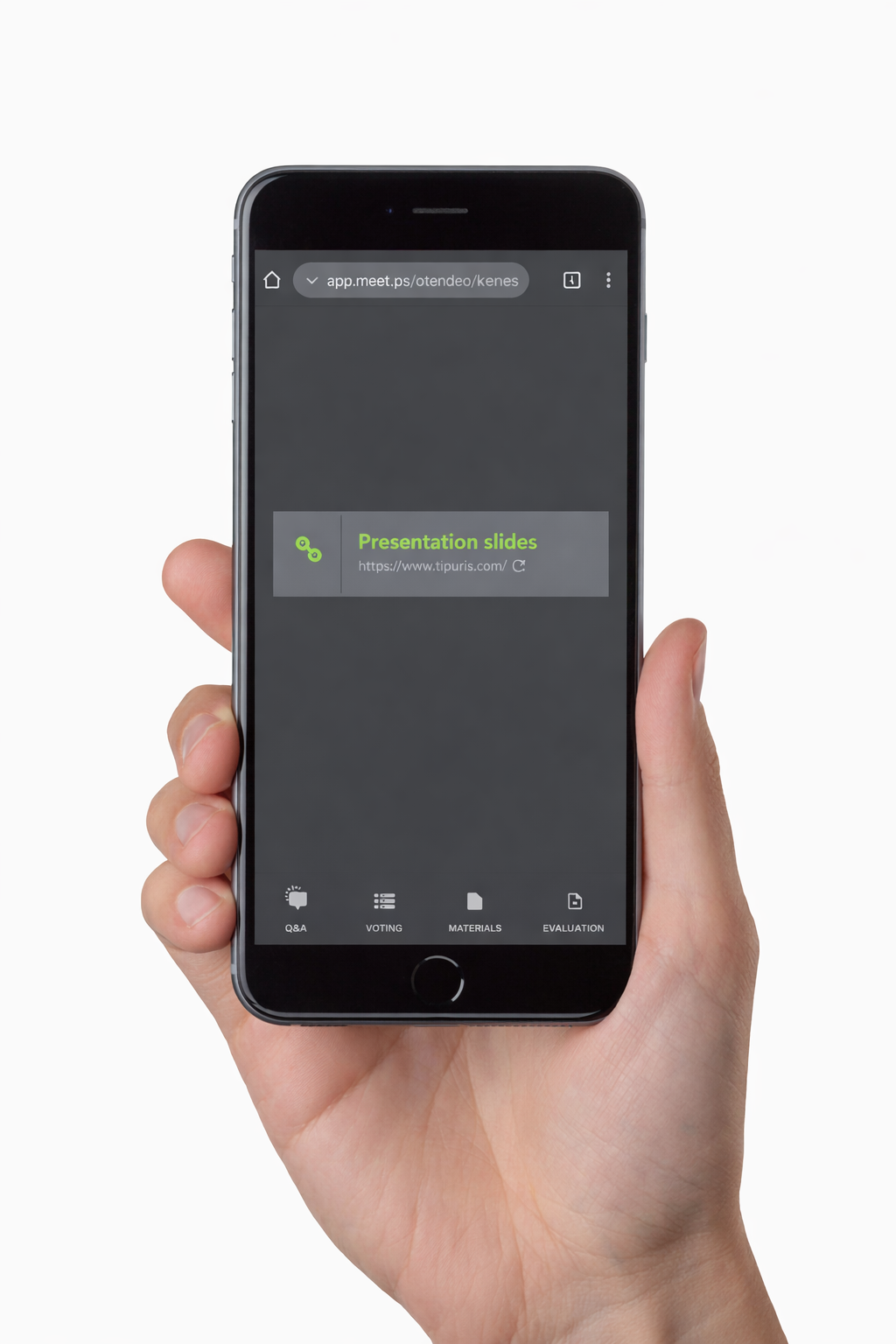
Participants can view the shared documents in the Materials tab of the virtual platform, Congress App or accessing the unique QR Code provided.
Types of Materials:- Links
- Images: JPG, PNG, GIF
- Archives: ZIP, RAR, 7Z
- MS Office files: (XLSX, DOCX, PPTX, etc.)
- PDFs
Full Size:- Maximum 16 MB
What´s Included?- Resources/Files sharing
ANNOUNCEMENT
Participants can be prompted to take an action or be notified with a message at a specific time.
Wording:- Up to 200 characters
- Including a link is possible for the virtual audience who are watching the session
- Links will be opened in a new tab
What´s Included?- Pop-up message in features platform